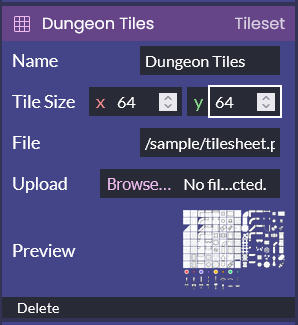
Objects in the engine can be edited from the sidebar (on the left of the screen). To edit an object, click on its name, and options will appear below it.
You can also edit tilemaps and some other objects by clicking the Edit button in the options panel. This will switch the work area to the visual editor, where you can edit the object.
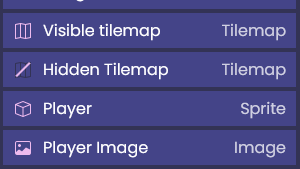
For tilemaps, this will open a map editor where you can place and delete tiles. If you have multiple tilemaps, they will also appear partially transparent while you work. You can show or hide these other tilemaps by clicking on the map icon next to their name in the sidebar.
Next: Using Engine Objects